How to Play Games Without Ads: A Practical Guide
The simplest way to play games without ads is to pick a game whose design keeps ads out of the action, then pay once if you want them gone entirely. Bounce Bastion is built that way: it is a free browser game with all 50 chapters and every combat upgrade open to everyone. Sponsored messages appear between chapters, and a one-time $4.99 PRO purchase removes them. This guide explains what “no ads” can mean, how to check a game before you invest time, and what to look for if you want short, strategic sessions.
TL;DR
- “No ads” is not one thing: it can mean no ads at all, no forced ads, or ads you only see if you choose to watch them for a reward.
- Ads that interrupt you mid-action are the real annoyance. Ads at natural breaks, such as between levels, are far less disruptive.
- Browser games are easy to check: open the page, play one round, and see where the ads sit.
- Bounce Bastion is free with all 50 chapters and all combat upgrades, with sponsored messages between chapters. PRO is $4.99 one-off to remove them.
- For quick strategy sessions, a game built around short waves and chapters fits best.
Table of Contents
- What “games without ads” actually means
- Why mid-action ads feel worse than ads at breaks
- How to tell if a browser game is really ad-light before you commit
- Free versus “free” with strings attached
- What about ad blockers and other workarounds?
- Short-session strategy: what to look for
- A free browser tower defense game built around those ideas
- Get the ad-free version
- A quick checklist for choosing any ad-free game
- Making the most of short sessions
- FAQ
- Sources
What “games without ads” actually means
When people search for games with no ads, they usually want one of three different things, and game pages use the same phrase for all of them.
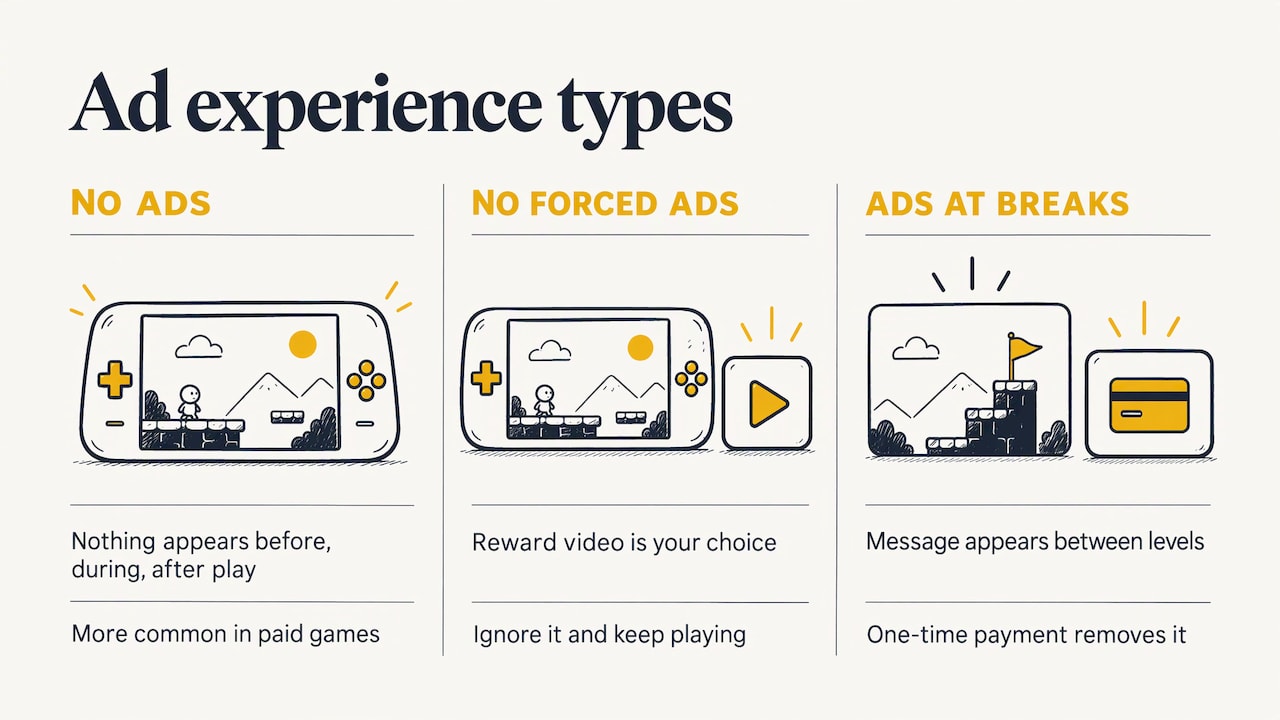
No ads at all. Nothing appears before, during or after play. This is rare in free games, because ads are how many developers pay for a free title. It is more common in paid games, where the price covers the cost.
No forced ads. Banners, pop-ups and unskippable videos are gone, but you may see a button offering a reward, such as an extra life, for watching a video. You can ignore it and keep playing.
Ads only at breaks. The game stays free and shows a message between levels, then lets you pay once to remove it. You never get interrupted in the middle of play.
None of these is wrong. They simply solve different annoyances. If what bugs you is a video that fires while you are lining up a shot, “no forced ads” and “ads only at breaks” both fix it. If you want a completely clean screen, you want a one-time ad-free upgrade.
Why mid-action ads feel worse than ads at breaks
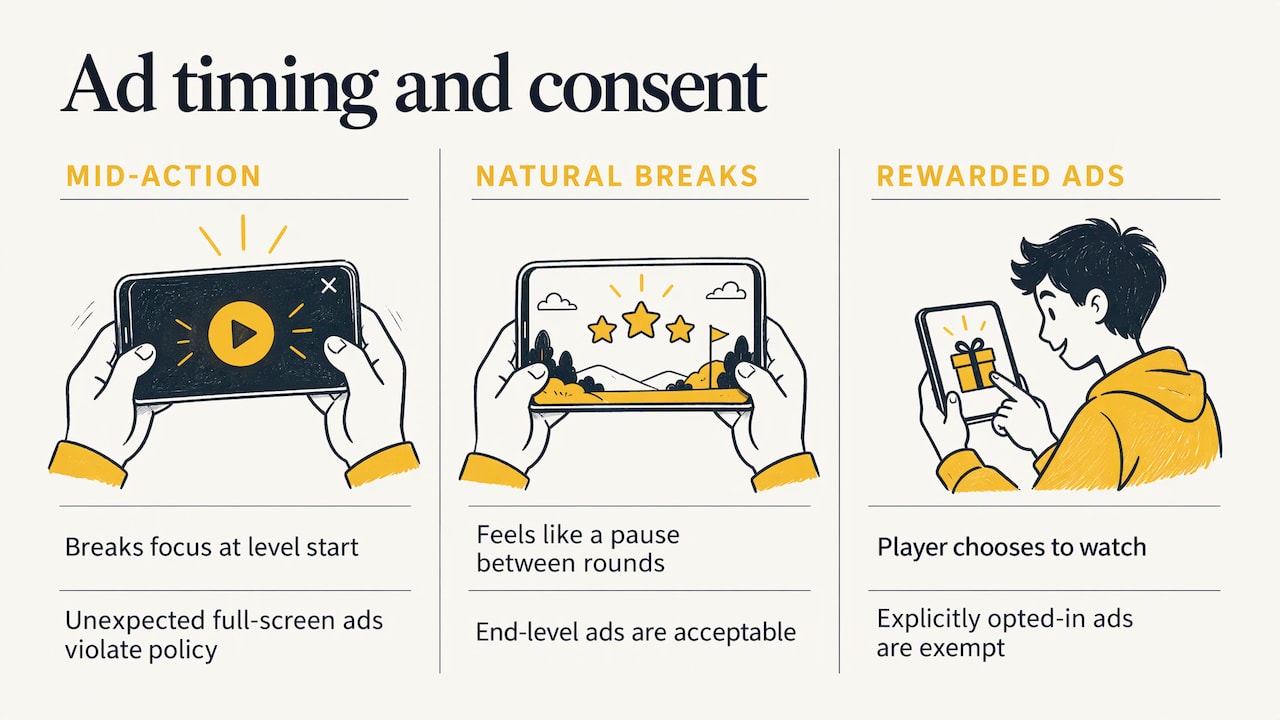
The timing of an ad matters more than the count. An ad that lands the moment you tap into a level breaks your focus. An ad that appears after you finish a stage feels like a pause between rounds.
Platform rules reflect this. Google Play’s Better Ads Experiences policy treats unexpected full-screen ads, for example at the start of a game level, as a violation, while ads at natural breaks such as the end of a level are acceptable. It also exempts rewarded ads that a player has explicitly opted into. That tells you what good practice looks like: ads that wait for you to finish something, and optional ads that you choose.
So when you evaluate a game, ask where the ads sit relative to the gameplay, not only whether they exist.
How to tell if a browser game is really ad-light before you commit
Browser games have an advantage: you can judge them in about two minutes, with no download and no account. Here is a quick routine.
- Read the page before you press play. A game that explains how it handles ads and what the paid option does is being straightforward. Look for plain statements such as “ads between chapters” or “one-time purchase removes ads”.
- Play one full round. Note whether anything appears while you are playing, not just before or after.
- Watch the transition points. See what happens when a level ends and the next begins. That is where most well-designed games place their ads.
- Check what the paid option removes. A good ad-free upgrade says exactly what goes away and costs one time, not every month.
- Look for hidden walls. If a game only lets you progress by watching videos, the “free” label is thin. If you can ignore every offer and still advance, the choice is yours.
This takes less time than scrolling a store listing, and it shows you the real experience instead of a label.
Free versus “free” with strings attached
Free games come in several forms. Some are fully free. Others are free to play with optional spending, for example cosmetics or a season pass, as GameSpot’s roundup of free games illustrates by separating free access from optional extras. The useful question is what the money buys.
There are three common answers:
- Convenience or cosmetics. You can play everything without paying. The purchase changes how the game looks or removes interruptions.
- Progress. Payment speeds you up or lets you skip waiting. This can quietly shape the whole game around timers.
- Content. Part of the game is locked behind payment.
The first model is the most comfortable for casual players, because nothing important is held back. The second and third can feel like a sales funnel.
What about ad blockers and other workarounds?
People often ask whether they can just block ads. Tools like this exist, but they add setup, and what they block varies by device and browser. The more reliable route is choosing a game that handles ads responsibly from the start, and using its own ad-free option if it has one. That gives you a clean experience that works the same everywhere you open the page.
Short-session strategy: what to look for
If you want strategy in quick bursts, the structure of the game matters as much as the ads. Good short-session design has a few traits:
- Waves or levels that last a few minutes. You can finish one on a break and stop cleanly.
- Choices that matter between rounds. Upgrades give you something to think about without a long tutorial.
- Skill, not only stats. When you aim or place things yourself, losing feels fair and winning feels earned.
- Variety from run to run. Randomness keeps a familiar level from feeling the same twice.
Tower defense fits this well, because each wave is a small puzzle: where do you put your resources, and which upgrade handles the next group of enemies?
A free browser tower defense game built around those ideas
Bounce Bastion mixes pachinko and tower defense. You play Rook, the Bastion Keeper, defending a wall against waves of enemies and bosses across 50 chapters. Instead of placing static turrets, you steer bouncing steel balls into the oncoming horde, and you aim them yourself. Each chapter brings faster and tougher foes, and between waves you choose combat upgrades. The bouncing balls mean no two sessions play out the same way.
It runs in your browser, so there is nothing to install. You can start from the free play page and be in a chapter within moments. The full introduction on our blog goes deeper into how the pachinko mechanic changes the usual tower defense formula.
How it handles ads
The game is free to play, and you can play all chapters and use all combat upgrades without paying. We show sponsored messages between chapters. If you would rather not see them, Bounce Bastion PRO removes the ads for a one-time purchase of $4.99. There is no subscription and no per-chapter fee. Many players never pay, and that is how the game is meant to work: the free version is the complete game.
Get the ad-free version
If you want an uninterrupted run through all 50 chapters, PRO is the one purchase to make. It is a single $4.99 payment that removes the sponsored messages between chapters. You can see the details on the PRO pricing page, or start with the free game at bouncebastion.com and decide later.
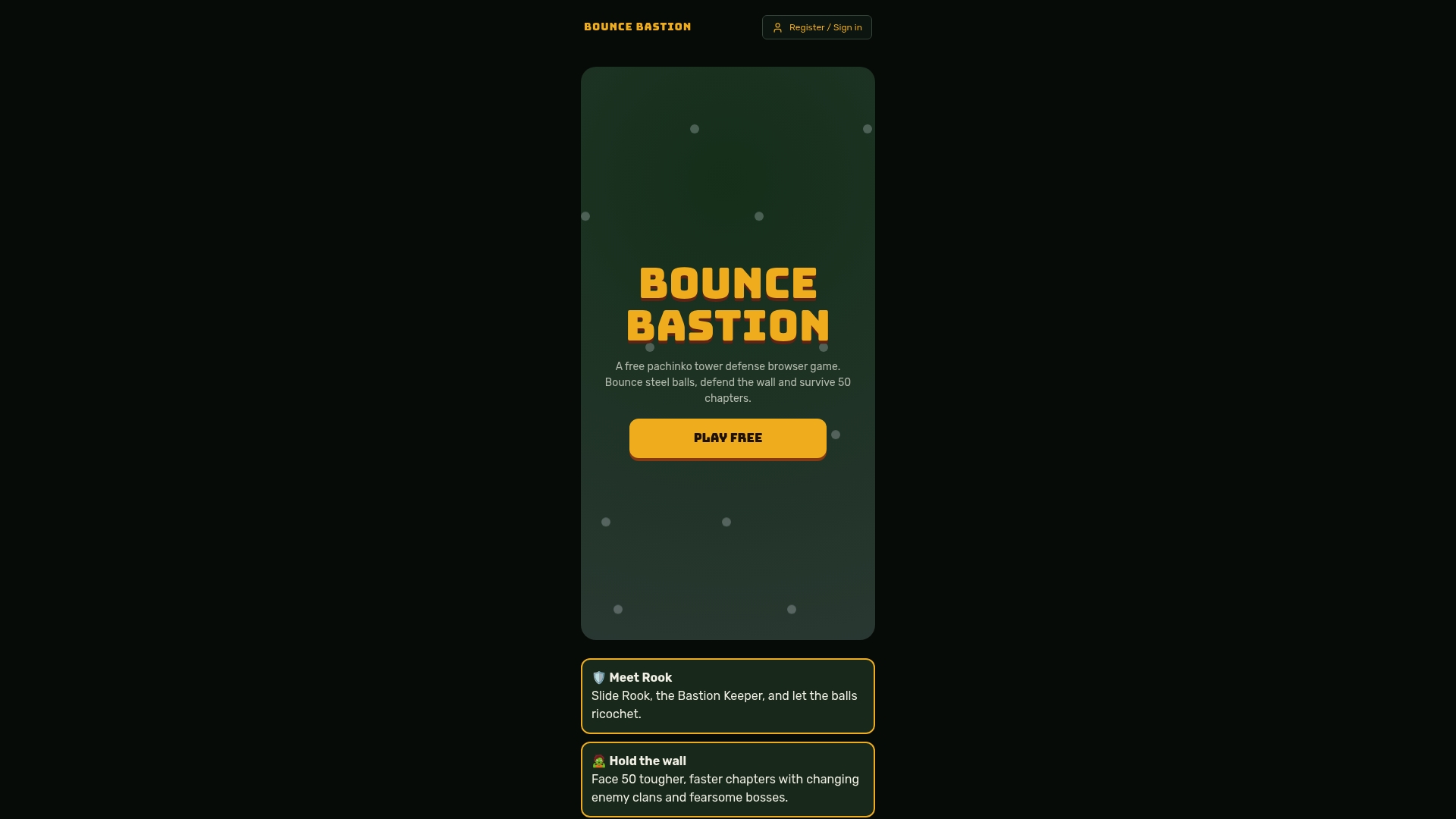
The free version is the same game. PRO simply changes the stretch between chapters from a sponsored message to an immediate next step, which suits anyone who plays in short bursts and wants every minute to count.
A quick checklist for choosing any ad-free game
When you test a new title, run through these questions:
| Question | What a good answer looks like |
|---|---|
| Where do ads appear? | Only at natural breaks, never mid-action |
| Can I remove them? | Yes, with a clear one-time purchase |
| Is anything locked behind payment? | No, content and upgrades are free |
| Do I have to watch ads to progress? | No, any reward offers are optional |
| Does it run without a download? | Browser play means you can try it instantly |
A game that answers well on all five is one you can recommend to a friend without caveats.
Making the most of short sessions
Once you have a game you like, a few habits make quick sessions satisfying:
- Set a goal per session. One chapter, or beating a particular boss, gives a clear finish.
- Spend upgrades with a plan. Decide what your next wave needs before you pick, rather than choosing by habit.
- Experiment with aim. In a game where you steer the action, small changes in angle change the result. Treat each run as practice.
- Stop on a win. Ending after a successful chapter makes it easy to return the next day.
These habits work in any strategy game, but they are especially rewarding when the game respects your time.
FAQ
What game has the least ads?
Games where the developer lets you pay once to remove ads, and where ads only appear between levels, are the lightest on interruptions. In Bounce Bastion, sponsored messages appear between chapters, and PRO removes them for a one-time $4.99.
What games are totally free?
Some games are completely free with nothing to buy, while others are free to play with optional purchases. Bounce Bastion is free to play with all 50 chapters and all combat upgrades available, and the only optional purchase is PRO, which removes ads.
Are there ad-free browser games I can play without installing anything?
Yes. Browser games run on a web page, so you can try one immediately on a computer or phone. Bounce Bastion runs this way, and you can start from the play page.
Does buying an ad-free version remove every kind of ad?
It depends on the game, so read what the purchase covers. Some versions remove forced ads but leave optional reward offers. For Bounce Bastion, PRO removes the sponsored messages shown between chapters.
Sources
- Understanding Google Play’s Better Ads Experiences policy
- 25 Best Free Games To Play In 2025, GameSpot